
How It Works
A thoughtful introduction starts with you.
Tell your story, share what you are looking for, and explore people who want a meaningful relationship. When interest is mutual, a conversation can begin.
Four simple steps
From your first profile to your first conversation.
Step 1
Create your profile
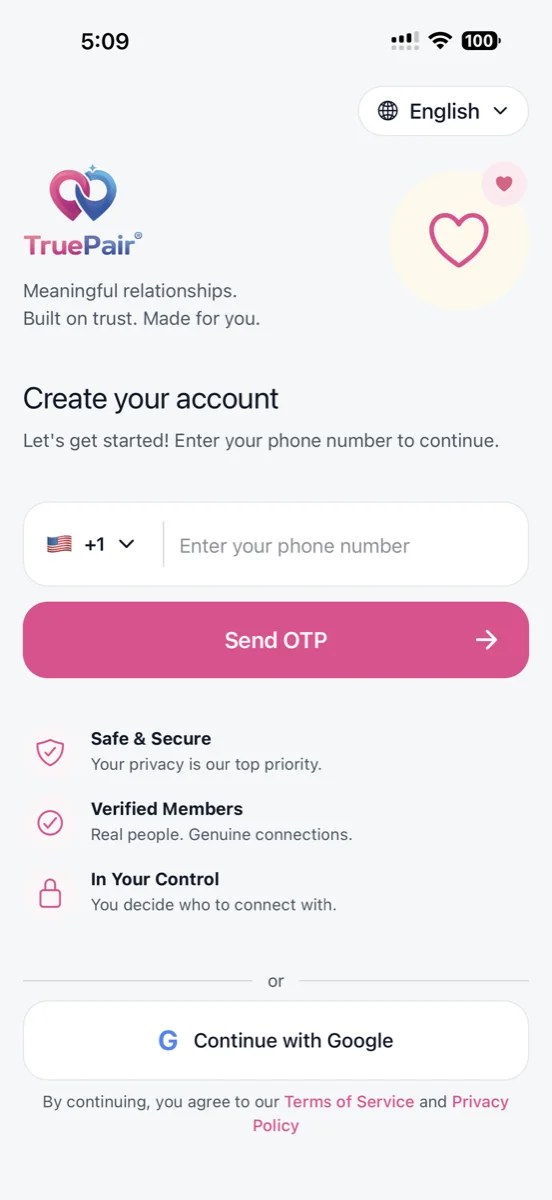
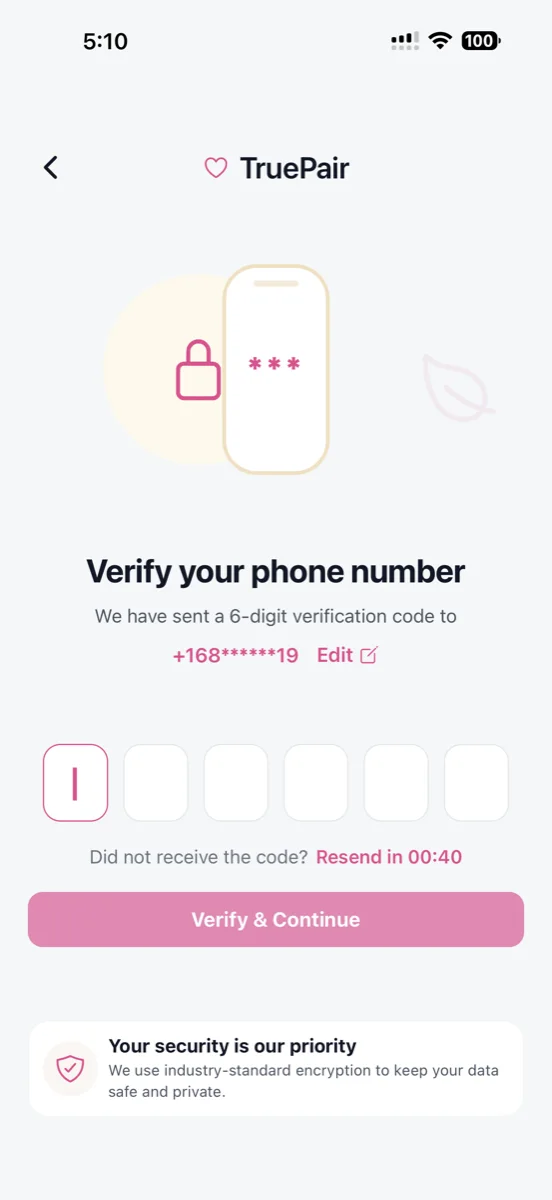
Download the Android app, verify your account, add photos, and share your interests and relationship goals.
Step 2
Set your preferences
Tell us what you are looking for, from age range and location to faith, lifestyle, and shared interests.
Step 3
Explore and express interest
Read profiles and choose who you would like to get to know. Like a profile or pass when it does not feel right.
Step 4
Start a conversation
When interest is mutual, chat opens in the app. Introduce yourself, ask thoughtful questions, and get to know each other at your own pace.




As you get to know someone
Your pace. Your choices.
Adults only
TruePair is for people aged 18 and over who are looking for meaningful relationships.
Keep control of your conversations
You can block or report someone in the app. Contact support if you need help with a concern.
Take things at your own pace
Choose what to share and when. Never send money or financial details to someone you have just met.
A real connection takes time
Give yourself space to get to know each other.
- A thoughtful profile helps other people understand who you are and what you are looking for.
- A match is a chance to get to know someone. A relationship grows through mutual interest, communication, and personal choice.
- TruePair support and safety resources are available from the app and this website.
FAQ
A little help getting started.
How do I get started?
Download TruePair from Google Play, create your account, complete your profile, and set your relationship preferences. The iOS app is pending Apple approval.
When can I chat with someone?
A mutual match opens a conversation in the app so you can get to know each other before deciding what comes next.
Do I have to buy a membership first?
TruePair is free to download. You can review optional memberships and purchases, including the current features and prices available to your account, inside the app.
Ready to introduce yourself?
Get TruePair on Android and take the first step toward meeting someone who shares your goals.